Laravel Database Transactions: When and Why to Use DB::transaction()
DB::transaction() runs a closure inside a SQL transaction: Laravel commits if it finishes, and rolls back if it throws. Use it when one action writes more than one row and a half-finished write would leave bad data.
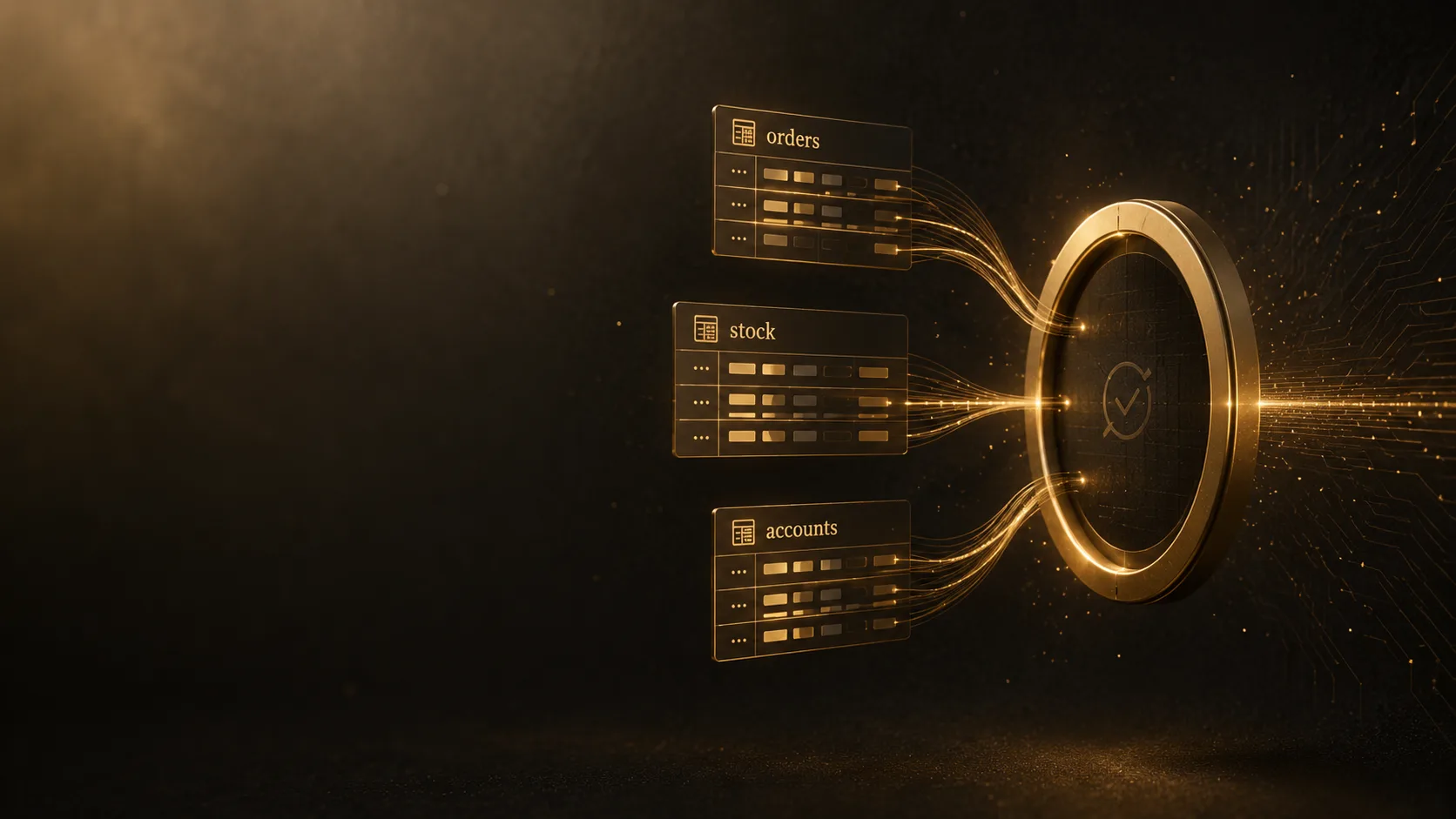
Quick Answer
DB::transaction() runs a closure inside a database transaction: Laravel commits if the closure finishes, and rolls back if it throws. Use it when one user action writes more than one row or table and a half-finished write would leave bad data — transfers, orders plus stock, user plus profile. Skip it for a single update, for reads, and for anything that talks to the network.
Quick Facts
| Item | Details |
|---|---|
| Topic | Laravel database transactions |
| Category | Laravel / PHP / Backend |
What Is Laravel Database Transactions?
A transaction is the database saying: treat these queries as one unit. All of them land, or none of them do. DB::transaction() is Laravel’s wrapper around BEGIN / COMMIT / ROLLBACK — not a queue, not a cache, not a lock by itself.
Eloquent save() on one model is already a single statement. You do not wrap that for “safety.” You wrap the stretch where two writes must stay in sync. If MySQL is on MyISAM, this API still runs and does almost nothing useful. InnoDB (or Postgres) is the actual requirement.
Why It Matters
- Half-finished writes are worse than a loud exception. An order row with no stock decrement, or a debit with no credit, sits in production until a human notices.
- The closure form beats hand-rolled
beginTransaction()because an uncaught exception rolls back for you. You still have to let it bubble. - Pass an attempts count and Laravel retries deadlocks. Checkout and wallet code hits that under load; a single try just 500s the user.
How It Works
Nothing magic in PHP here. The query grammar talks to the connection; the database engine enforces atomicity.
- BEGIN — Laravel opens a transaction on the connection the closure will use.
- Work — Your queries run. Rows you
lockForUpdate()stay locked until the end. Other requests wait or deadlock. - COMMIT or ROLLBACK — Clean return commits. Any throwable rolls back, then Laravel rethrows. Nested
DB::transaction()calls use savepoints, not a second real transaction. The outer commit is the one that makes data visible.
Side effects are not the database. A queued job, a mail, a HTTP call inside the closure still happens even if you later roll back — unless you defer them with DB::afterCommit() or $afterCommit = true on the job.
Step-by-Step Guide
Step 1: Spot the multi-write
Read the action, not the class name. If success means “row A and row B both change,” it belongs in a transaction. Transfer, place order, register user + profile, refund + restock. One Model::query()->update() is not that list.
If the second write can fail (unique constraint, check, insufficient stock) and you would not want the first write to stay, wrap both.
Step 2: Wrap the writes
Import the facade and put only database work in the closure. Throw on business failure so Laravel rolls back — a false return still commits.
use Illuminate\Support\Facades\DB;

DB::transaction(function () use ($fromId, $toId, $amount) {
    $from = Account::whereKey($fromId)->lockForUpdate()->firstOrFail();
    $to = Account::whereKey($toId)->lockForUpdate()->firstOrFail();

    if ($from->balance < $amount) {
        throw new \RuntimeException('Insufficient funds');
    }

    $from->decrement('balance', $amount);
    $to->increment('balance', $amount);
}, 3);
The 3 is deadlock attempts. Done looks like this: both balances match, and a forced throw leaves both rows untouched. Check with a test or tinker: throw after the first decrement, then SELECT both accounts.
Step 3: Move side effects after commit
Dispatch mail, jobs, and webhooks after the commit. If a worker runs mid-transaction it will miss the new row or see a ghost that then vanishes.
DB::transaction(function () use ($order) {
    $order->save();
    $order->items()->saveMany($items);

    DB::afterCommit(function () use ($order) {
        ProcessOrder::dispatch($order->id);
    });
});
Same idea on the job class: public bool $afterCommit = true; so you cannot forget at the call site. Skip this step and you get “Model not found” in Horizon while the HTTP request still returned 201.
Real-World Example
Laravel API, Redis queue, checkout: create orders, decrement products.stock, dispatch ProcessOrder. Without a transaction, stock update hit a check constraint (stock would go negative) after the order INSERT. You had an unpaid order and full stock. Support thought payments were broken. They were not. The second write failed and the first stayed.
Wrapping both writes fixed the orphan. Then Horizon blew up: the job ran, Order::findOrFail($id) 404d. The worker was faster than COMMIT. Cause: dispatch sat inside the closure. Fix: DB::afterCommit() around the dispatch (or $afterCommit on the job). Request still returns 201 only after both rows exist; the job only runs on a committed order.
Pros & Cons
Advantages
- Two writes stay paired. The failure mode is an exception, not a silent half-row.
- Deadlock retries are one integer, not a custom loop around
40001. - You stay on the same mental model as SQL. Anyone who knows
BEGINcan read the code.
Disadvantages
- Open transactions hold locks. A HTTP call or a huge report inside the closure stalls other checkouts. Keep the closure short.
- Nested calls are savepoints. An inner “commit” does not publish rows. If you thought it did, you will debug ghosts.
- No help on MyISAM, and no help for Redis / files / HTTP. Those need their own rollback story, or you do not call them yet.
Best Practices
- Lock the rows you are about to change (
lockForUpdate()) so two checkouts cannot overdraw the same stock. - Throw to abort. Returning
nullor catching inside the closure and swallowing it commits the partial work. - Keep HTTP, sleep, and mail out of the closure. Database work only; side effects in
afterCommit. - Set attempts on hot paths (checkout, wallets). One deadlock should retry, not page the user a 500.
- Use one connection. Switching connections mid-closure splits the transaction into two, which is the bug you were avoiding.
Common Mistakes
- Catching the exception inside the closure — Laravel sees a clean return and commits. Fix: rethrow, or do not catch there. Handle it in the controller after rollback.
- Dispatching a job that reads the new row immediately — worker wins the race against commit. Fix:
DB::afterCommit()orpublic bool $afterCommit = trueon the job. - Wrapping a single
save()— extra lock time, no extra safety. Fix: wrap only when two statements must succeed together. - Forgetting
lockForUpdate()on balances/stock — the transaction is atomic per request, not safe across two concurrent requests. Fix: lock, then read, then write.
Frequently Asked Questions
What is DB::transaction() in Laravel?
It is a helper that starts a database transaction, runs your closure, commits on success, and rolls back if the closure throws. It maps to SQL BEGIN/COMMIT/ROLLBACK on InnoDB or Postgres. It does not roll back queues, mail, or HTTP calls unless you defer those with afterCommit.
How do I use DB::transaction() in Laravel?
Pass a closure with the writes, and optionally a retry count: DB::transaction(function () { /* writes */ }, 3);. Throw on business failure so the rollback happens. Put jobs and mail in DB::afterCommit(). Verify by throwing on purpose and checking that no rows changed.
DB::transaction() vs beginTransaction() / commit() / rollBack()?
Use DB::transaction() for almost all app code — less chance you forget rollBack() on an exception. Use the manual trio when you must commit in stages across methods you do not control, or when a package already opened the transaction. Same SQL underneath; the closure is harder to get wrong.
Is DB::transaction() worth it?
Yes, whenever one action writes two or more rows that must stay consistent. No, when you are reading, updating one row, or wrapping work that is not in the database. The cost is lock time, so keep the closure small and lock only the rows you need.
Do nested DB::transaction() calls work?
They run as savepoints. The inner closure can roll back to the savepoint; the outer transaction still decides when data is visible. Do not assume an inner success is a real commit. Prefer one outer transaction in application code unless a library forced the inner call.
Summary
Use DB::transaction() when a single user action has to change more than one row and a partial write would be a data bug. Laravel will commit a clean closure and roll back a thrown exception. That is the whole contract.
Today: pick one checkout or transfer in your app, wrap the writes, add lockForUpdate(), and move the job dispatch to afterCommit. Then force a throw once and confirm both tables stayed unchanged. If you want the request path around that controller, read the Laravel request lifecycle post next.
Key Takeaways
- Wrap multi-row writes in
DB::transaction(); do not wrap a singlesave()or a read. - Throw to roll back. A swallowed catch inside the closure commits the damage.
- Lock rows you will update (
lockForUpdate()) or concurrent requests can still overdraw. - Jobs, mail, and HTTP go in
afterCommit— the database rollback cannot undo them. - Deadlock retries are the second argument; nested calls are savepoints, not a second commit.
Comments
0 comments · new ones appear after approval
No comments yet. Be the first to share your thoughts.
Leave a comment
Your comment will be reviewed before it appears.