Laravel Sanctum Explained: Simple API Authentication for Modern Apps
Laravel Sanctum makes API authentication simple — whether you need token-based APIs for mobile apps or cookie-based auth for SPAs. Here’s how it works, without the jargon.
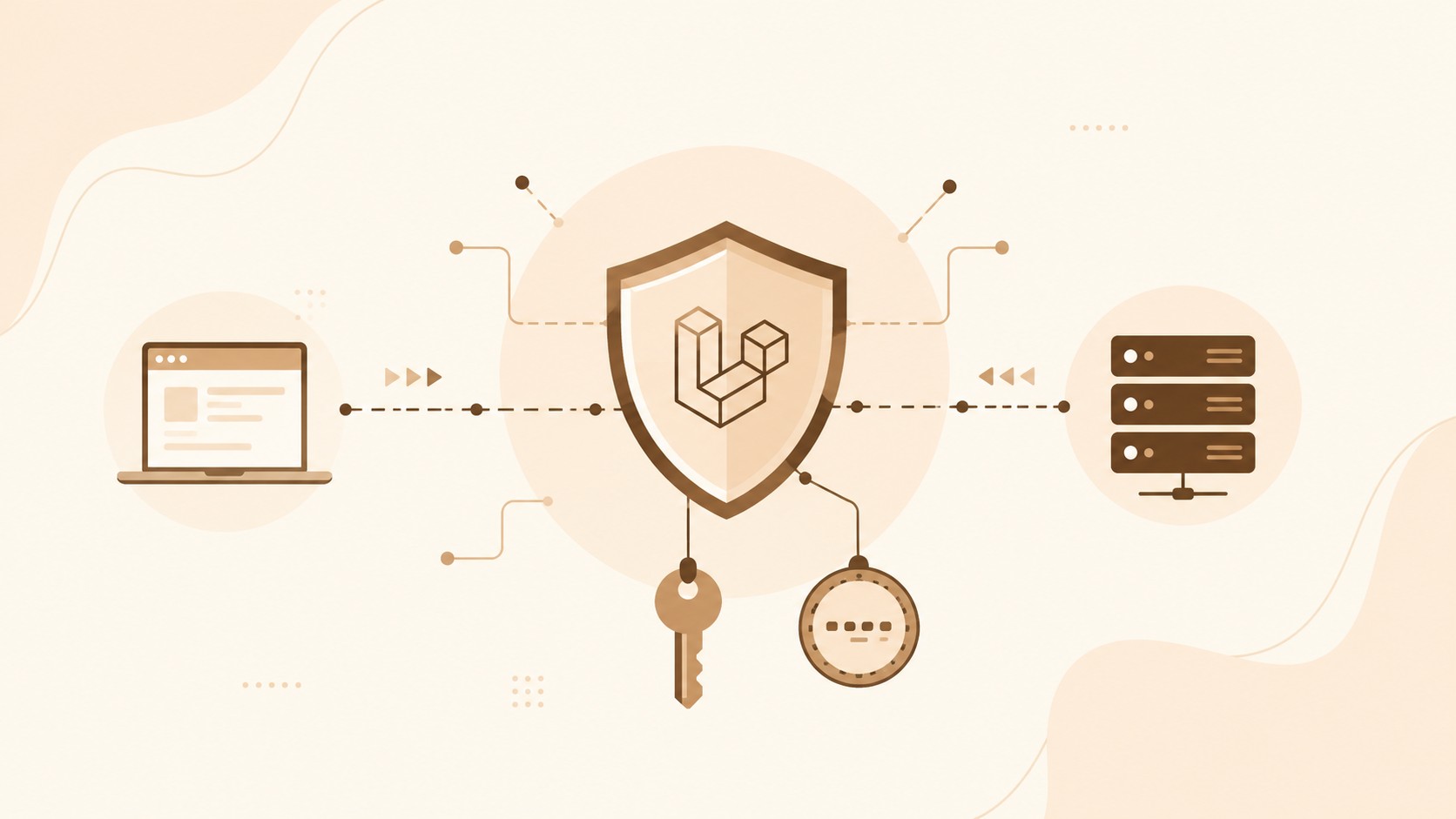
If you are building an API with Laravel, one of the first questions is: how do users log in securely?
Many developers jump to complex solutions too early. For most apps, Laravel Sanctum is enough.
This post explains Sanctum in plain language — what it is, how it works, and which mode you should use.
What is Laravel Sanctum?
Sanctum is Laravel’s lightweight authentication package. It helps you protect API routes in two ways:
- API tokens — for mobile apps and API clients
- Session cookies — for first-party SPAs like Vue, React, or Nuxt
It is simpler than Passport. Passport is a full OAuth2 server. Sanctum is for everyday API authentication.
Choose the right tool
─────────────────────
Need full OAuth2 for third-party apps?  → Passport
Need simple API auth for your own apps? → Sanctum
How Sanctum fits in
                Client
         ┌────────┴────────┐
         ▼                 ▼
   API / Mobile         Web SPA
         │                 │
         ▼                 ▼
  Bearer Token         Cookie + CSRF
         │                 │
         └────────┬────────┘
                  ▼
           Laravel Sanctum
                  │
                  ▼
            Protected API
Setup in short
composer require laravel/sanctum
php artisan vendor:publish --provider="Laravel\Sanctum\SanctumServiceProvider"
php artisan migrate
Then add the trait to your User model:
use Laravel\Sanctum\HasApiTokens;

class User extends Authenticatable
{
    use HasApiTokens, HasFactory, Notifiable;
}
That’s the base setup.
Mode 1: Token authentication
Use this when the client sends a token with every request — for example mobile apps or API tools.
Client                         Laravel
  │                               │
  │  POST /api/login              │
  │  email + password             │
  │──────────────────────────────►│
  │                               │
  │  token returned               │
  │◄──────────────────────────────│
  │                               │
  │  GET /api/user                │
  │  Authorization: Bearer token  │
  │──────────────────────────────►│
  │                               │
  │  user data                    │
  │◄──────────────────────────────│
Login example:
public function login(Request $request)
{
    $request->validate([
        'email' => 'required|email',
        'password' => 'required',
    ]);

    $user = User::where('email', $request->email)->first();

    if (! $user || ! Hash::check($request->password, $user->password)) {
        return response()->json(['message' => 'Invalid credentials'], 401);
    }

    $token = $user->createToken('api-token')->plainTextToken;

    return response()->json([
        'user' => $user,
        'token' => $token,
    ]);
}
Send the token like this:
Authorization: Bearer YOUR_TOKEN_HERE
Protect routes:
Route::middleware('auth:sanctum')->group(function () {
    Route::get('/user', fn (Request $request) => $request->user());
    Route::post('/logout', [AuthController::class, 'logout']);
});
Logout deletes the current token:
$request->user()->currentAccessToken()->delete();
Optional: logout from all devices:
$request->user()->tokens()->delete();
Mode 2: SPA cookie authentication
Use this when your frontend and backend belong to the same application family — a browser-based SPA talking to Laravel.
SPA                            Laravel
 │                               │
 │  GET /sanctum/csrf-cookie     │
 │──────────────────────────────►│
 │  CSRF cookie set              │
 │◄──────────────────────────────│
 │                               │
 │  POST /login                  │
 │──────────────────────────────►│
 │  session cookie set           │
 │◄──────────────────────────────│
 │                               │
 │  GET /api/user                │
 │  cookies sent automatically   │
 │──────────────────────────────►│
 │  authenticated response       │
 │◄──────────────────────────────│
Basic flow:
- Ask Laravel for a CSRF cookie
- Send login credentials
- Laravel starts a session
- Later API calls use cookies automatically
For this mode, your frontend must send credentials with requests, and your app domains must be allowed in Sanctum’s stateful domains list.
Which mode should you use?
Need authentication?
         │
         ├── Mobile app or pure API client?
         │     → Token authentication
         │
         ├── Browser SPA for your own app?
         │     → Cookie authentication
         │
         └── Both?
               → Sanctum can do both
- Token auth = easy to test, great for mobile and API clients
- Cookie auth = natural for browser apps, uses CSRF protection
Protecting API routes
Once Sanctum is in place, protecting routes is straightforward:
Route::middleware('auth:sanctum')->group(function () {
    Route::get('/profile', [ProfileController::class, 'show']);
    Route::apiResource('posts', PostController::class);
});
Only authenticated requests can access these endpoints.
Useful extras
Named tokens help you manage devices:
$user->createToken('mobile-app');
$user->createToken('web-admin');
Token abilities limit what a token can do:
$user->createToken('readonly', ['post:read']);

if ($request->user()->tokenCan('post:read')) {
    // allowed
}
Rate-limit login to reduce brute-force risk:
Route::post('/login', [AuthController::class, 'login'])
    ->middleware('throttle:5,1');
Common mistakes
- Forgetting the
Authorization: Bearerheader in token mode - Forgetting the CSRF cookie step in SPA mode
- Not sending credentials in SPA requests
- Missing
Accept: application/jsonheader - Confusing Passport and Sanctum use cases
Quick debug path
────────────────
1. Are you using token mode or SPA mode?
2. Token mode → is Bearer token present?
3. SPA mode → was CSRF cookie requested first?
4. Is the route behind auth:sanctum?
5. Is the client sending Accept: application/json?
Final takeaway
Laravel Sanctum keeps API authentication simple.
Use tokens when clients send credentials via headers.
Use cookies when a browser SPA talks to your Laravel backend.
Protect routes with auth:sanctum, and grow from there.
You do not need a complex auth system to build a secure API. In most cases, Sanctum is the clean and practical choice.
Comments
0 comments · new ones appear after approval
No comments yet. Be the first to share your thoughts.
Leave a comment
Your comment will be reviewed before it appears.